At a glance
- What changed
- Expanded Hyperliquid trading controls.
- Who it affects
- Eligible SafePal wallet users.
- When
- Announced 23 September 2026.
SafePal partner offer and conditions ↓
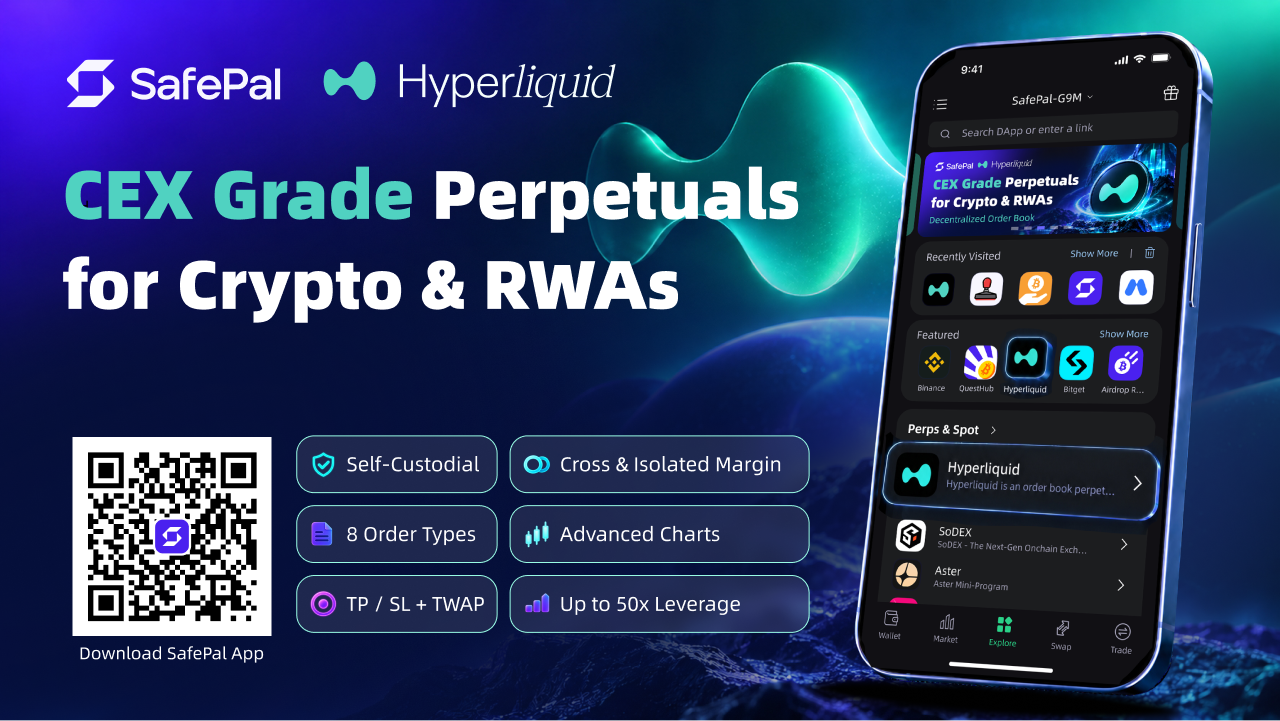
A dedicated Hyperliquid terminal inside SafePal
SafePal announced its expanded Hyperliquid mini program on 23 September 2026. It adds eight order types, cross and isolated margin, and time-weighted order execution. Access is region-restricted and limited to mnemonic-imported wallets. Hardware signing support covers S1, S1 Pro and X1; batch signing requires current firmware.
[1]How the documented funding flow works
SafePal's tutorial requires App version 4.11.9 or later and describes access through the Perpetuals area or Explorer. Its deposit flow accepts USDC on Arbitrum, asks users to review the details and authorize the deposit, and then offers Enable Trading. The order screen lets users set leverage, price and amount. Order History is used to track the result.
The tutorial distinguishes placing an order from waiting for execution. That distinction matters: a submitted order is an instruction, while a filled order is an actual result.
[2]Position size explains more than the leverage label alone
Consider a simplified example with 100 dollars of allocated collateral and a position worth 1,000 dollars. The ratio is ten to one. A five percent adverse move in that position's value would represent 50 dollars before fees, funding and other adjustments. That is half of the initial collateral in this deliberately simplified calculation. The example illustrates exposure; it does not calculate a liquidation price or reproduce the platform's margin engine.
The important comparison is between the position's size and the resources supporting it. Two users can select the same leverage ratio while taking very different dollar exposures. Conversely, reducing a displayed leverage setting does not explain the full position unless the order amount is also considered. Read those inputs together before interpreting the effect of a control.
Margin allocation answers a different question from entry timing
Imagine two hypothetical positions moving against their owner at the same time. Reviewing only one can make the account's overall exposure difficult to see. A useful worksheet lists the position sizes, the collateral arrangement and the result of a chosen adverse-price scenario. This is a planning example, not a claim about the platform's liquidation sequence or an assurance that a particular amount of collateral is sufficient.
The aim is to understand which resources the user intends to put behind each position and how the combined commitments fit together. Changing an allocation control is not the same as changing the market exposure. A careful comparison keeps both visible. This also makes the difference between a position-level decision and an account-level decision easier to explain without relying on a single risk label.
Spreading an order over time does not fix its final exposure
Suppose a person intends to build a position in four equal parts. After the first completed part, the exposure is smaller than it would be after all four. That does not mean the final position is smaller, and it does not establish that later parts will receive a better price. The useful distinction is between the path taken to execute an instruction and the amount of exposure the completed instruction creates.
For an illustrative review, record the intended total size, execution window and the condition under which the person would reassess the plan. Compare actual fills with that intention rather than assuming that a schedule guarantees the desired outcome. These are evaluation questions, not claims that the mini program supplies a specific cancellation rule, fill guarantee or optimal trading schedule.
Follow the result beyond the order button
An interface can make placing an instruction feel like the end of the task. In practice, a reader evaluating the workflow should distinguish the intended order from the observed fills and the resulting position. Keep a record of what was requested and compare it with what the account actually shows afterward. This helps explain partial completion or a still-open instruction without treating either as an automatic failure.
The mini program is therefore best assessed as a set of controls for funding, instructions and position management. Its usefulness depends on whether those steps are understandable together. The examples above explain the decisions those controls represent; they provide no trade recommendation or prediction about the result of using them.
Explore the three controls
Select a setting to identify the question it addresses.
| Case | What it means |
|---|---|
| Cross margin | Shared allocation Positions sharing a margin asset use one balance. Consider the combined exposure rather than inspecting each position in isolation. |
| Isolated margin | Position allocation Each position has a separate margin allocation. Review that position's size and its collateral together. |
| TWAP | Execution timing Execution is split across a chosen time window. Decide separately how much exposure the completed order would create. |
Explanatory scenarios, not trade recommendations, a live trading interface or guarantees of fills. [1]
Official sources & further reading
Independently written from the primary sources below. Checked on 26 September 2026.
- SafePal Hyperliquid launch ↗Announcement · 23 September 2026
- SafePal: using the Hyperliquid mini program ↗Documentation
Air-gapped self-custody with SafePal S1
The detailed review offers no hardware discount. Any in-app setup reward is separate from the device price.
Permanent partner link. Campaign dates and benefits are separate.
We may earn a commission, at no extra cost to you. Account and country conditions apply.