
BackpackDiscount code
5% off trading fees
Backpack referral code: discount. Sign up with this code to get 5% off trading fees.
When signing up, enter discount in the referral code field to get a 5% discount. If you use our link, you'll see 'discount invited you' on the sign-up screen, which means the code is applied.
Affiliate link. We may earn a commission, at no extra cost to you.
At a glance
- What changed
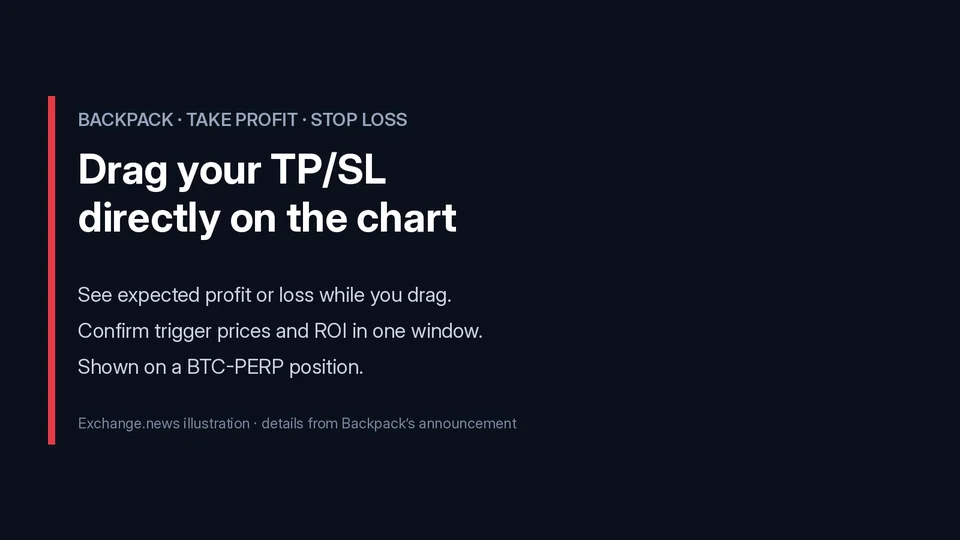
- Take-profit and stop-loss levels can be set by dragging them on Backpack's price chart, with a confirmation step.
- Who it affects
- Backpack traders with open positions, shown in the video on a BTC-PERP futures position.
- When
- Announced on 26 November 2026 at 14:48 UTC (15:48 in Amsterdam).
Add Exchange.news as a preferred source on Google
What Backpack showed
Backpack posted at 14:48 UTC on Thursday 26 November 2026 (15:48 in Amsterdam): “Plot your exits. Literally. Drag your TP/SL directly on the chart.” The post came with a 17-second video and no further text, release notes or help article.
The video opens with the line ‘Set your TP/SL directly on the chart’ and moves to a BTC-PERP chart on Backpack with an open position line. Dragging from it creates a level; the chart shows ‘Expected loss -$74.50 (-9.29%)’ for the stop and ‘Expected profit $205.50 (25.62%)’ for the target. A window titled ‘Edit BTC-PERP Long TP/SL’ then shows both trigger prices with ROI, a choice between Entire Position and Partial Position, and a Confirm button. It ends on ‘Drag. Confirm. Done.’ The prices are demo figures.
How it fits the existing TP/SL tools
Until now, Backpack's web guide described two ways to set TP/SL: tick the TP/SL box on the order panel when opening a position, or click the TP/SL icon in the Positions tab of the Futures trading page afterwards, entering a trigger price or a target ROI percentage. Orders are placed once the market crosses the trigger price, and they can be cancelled under Open Orders, Conditional.
Dragging on the chart is a faster way to reach the same settings, since the video shows the familiar confirmation window. Backpack did not say whether the feature is on web, mobile or both.
Our take
Drag-to-set exits are standard on many trading screens, and they make it easier to place a stop where the chart says it belongs rather than at a round number. The flip side is that a quick drag can be careless, so check the trigger price and the expected loss in the confirmation window before you press Confirm, and keep a buffer to your liquidation price on leveraged perps.
BackpackDiscount code
5% off trading fees
Backpack referral code: discount. Sign up with this code to get 5% off trading fees.
When signing up, enter discount in the referral code field to get a 5% discount. If you use our link, you'll see 'discount invited you' on the sign-up screen, which means the code is applied.
Affiliate link. We may earn a commission, at no extra cost to you.
Conditions
Apply the code during account creation.
The code and partner link have no expiry. Campaign dates, benefits and eligibility are separate and may change. Check the provider’s current terms before signing up.