From the archive. This story describes the announcement at its original publication date. Product availability, pricing and terms may have changed.
At a glance
- What changed
- Lighter tracking added.
- Who it affects
- CoinStats web and mobile.
- When
- Historical integration launch.
CoinStats welcome offer and conditions ↓
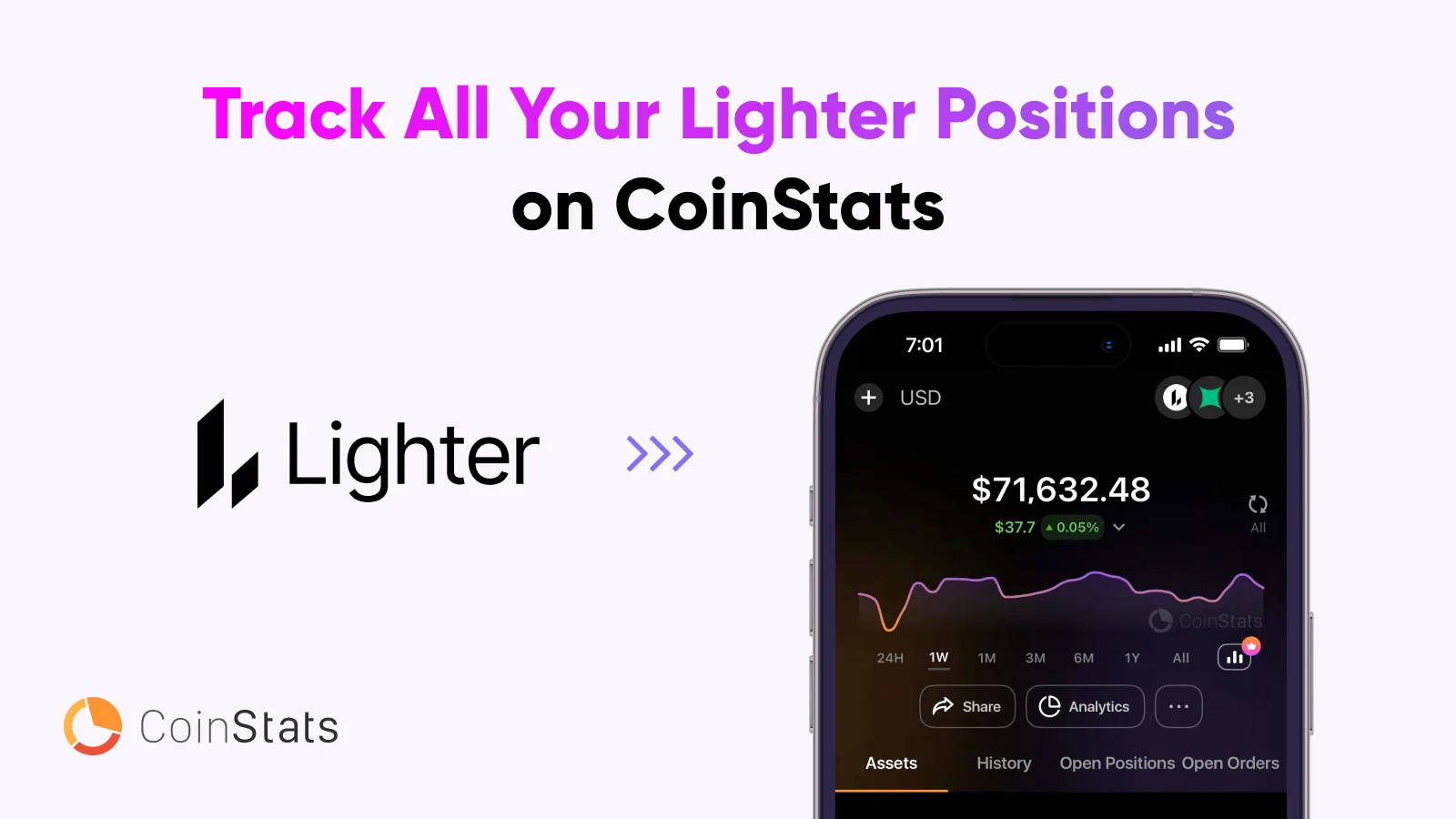
Lighter activity joins the CoinStats portfolio view
CoinStats announced a Lighter integration for balances, open positions, active orders, trade history and profit-and-loss analysis. The connection is described for the web and mobile apps. Its purpose is portfolio monitoring alongside other holdings. The announcement does not say that a tracking screen replaces Lighter’s own controls for placing, changing or closing a trade.
[1]A position, an order and a balance are different
Imagine a fictional account with a cash balance, an existing market position and an unfilled order to add more exposure. Those are three different records. The balance describes available value under the account’s rules. The position describes exposure already created. The order describes an instruction that may or may not have executed.
A portfolio review becomes confusing if an unfilled order is treated as though it were already a holding. It can also become misleading if the person looks only at the balance and ignores the exposure attached to an open position. A useful first review identifies which number on the screen belongs to which category.
This is a conceptual example, not a description of Lighter’s exact margin calculation or a claim about how CoinStats values every position. The integration notice lists what can be tracked, but does not provide all the formulas required to reconstruct a trading account independently.
An illustrative exposure calculation
Suppose a hypothetical position has a market exposure of 5,000 units of currency. A 2% move in the underlying price corresponds to 100 units of that exposure before considering the particular contract structure, costs or other account effects. The arithmetic is 5,000 multiplied by 0.02. It is not a liquidation calculation or a profit forecast.
Now suppose the person also holds 2,000 units of the same asset elsewhere. Reviewing only one screen could hide how the two exposures relate. Depending on the direction and structure of the position, they may add to or offset part of the broader exposure. The reader needs the actual instrument details before making that calculation.
The point of the example is to connect a position’s size with a meaningful amount, rather than focus only on a percentage or a green P&L label. A small-looking percentage applied to a larger exposure can represent more money than expected. The tracker is most useful when the person understands the scale behind the displayed number.
Reconcile a change through the underlying activity
Imagine that a position size differs from the size the trader remembers. A useful investigation begins with the relevant order and trade history. Was an order filled? Was there a partial execution? Was the person looking at another account or another moment? These are questions to resolve from records, not assumptions about what the integration did.
A concise review can record the account, instrument, time of the observation and the transaction or order references involved. If the two services display different states, include their refresh times where available. That gives support something concrete to compare and avoids treating a temporarily different screen as proof of a missing trade.
This is an editorial reconciliation method. It does not assert a particular sync delay or guarantee that the data are instantaneous in every situation. A provider’s launch language about real-time tracking should not substitute for checking the timestamp and status of the specific information being used.
Use the combined view for a defined purpose
Our reading is that the integration is most helpful when a person wants one place to review how a trading account relates to the rest of their holdings. The useful question is not simply whether the account is up or down today, but how much exposure is open, which instructions remain active and what activity produced the result.
A regular review might separate an inventory of holdings from a list of open positions and a list of outstanding orders. That structure prevents unlike numbers from being casually added together. It also makes an unfamiliar change easier to locate.
For a time-sensitive trading decision, the reader should understand which interface is providing information and which interface actually controls the position. Monitoring can make activity easier to see, but a visible row in a portfolio tracker is not itself evidence that a requested trading action has been executed. The final order or transaction record remains the relevant evidence for that action.
Overview or immediate order action?
Choose a workflow to see what the change means.
| Case | What it means |
|---|---|
| Review exposure | Use the combined dashboard Compare tracked positions with the rest of the portfolio. |
| Act on an order | Check the execution venue The announcement describes tracking, not a new order-entry route. |
Feature scope follows the dated announcement. [1]
- Open positions and P&L.
- Active order status.
- Trade history included.
Official sources & further reading
Independently written from the primary sources below. Checked on 26 September 2026.
- CoinStats Integrates Lighter: Track Perp DEX Positions On the Go ↗Announcement · 30 December 2025
Free Premium trial
No code needed. Check trial length, renewal price and eligibility before starting.
Permanent partner link. Campaign dates and benefits are separate.
We may earn a commission, at no extra cost to you. Account and country conditions apply.