From the archive. This story describes the announcement at its original publication date. Product availability, pricing and terms may have changed.
At a glance
- What changed
- Portfolio organisation updated.
- Who it affects
- CoinStats users.
- When
- June 2025 release.
CoinStats welcome offer and conditions ↓
CoinStats adds more control over portfolio organisation
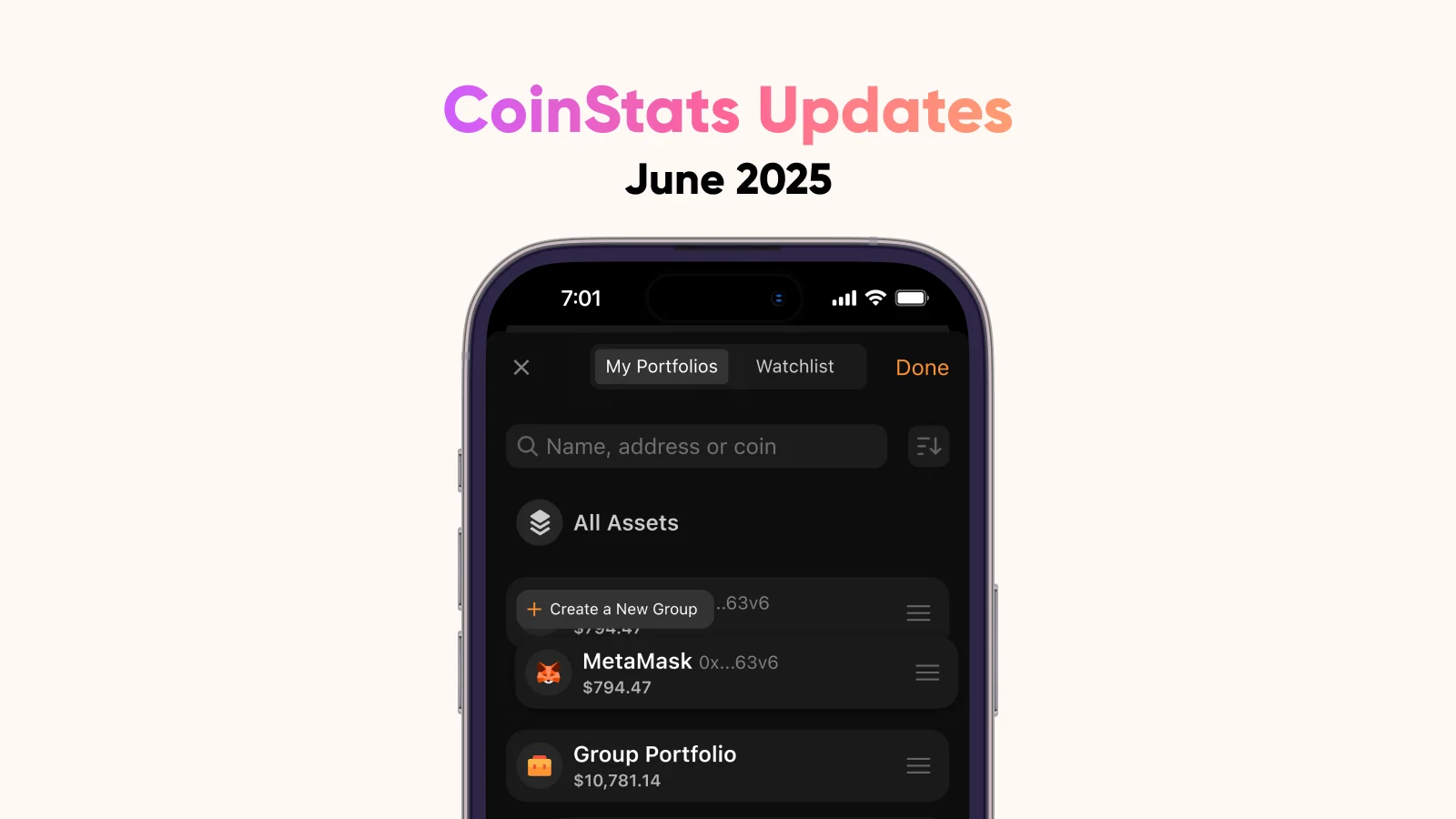
CoinStats’ June 2025 update introduced portfolio grouping, sorting and clearer indications when a portfolio is excluded from the overall total. It also added a custom small-balance display threshold for Premium and Degen users. These controls change how a collection of holdings is organised and presented. A cleaner display should still be understood in relation to the accounts and amounts included.
[1]Choose groups that answer a real question
Imagine someone with three personal wallets and one account they monitor for research. A useful organisation might separate owned holdings from watched activity. The purpose is to avoid reading a convenient combined view as though every visible asset belongs to the same person.
Another person may prefer groups for long-term holdings, active experiments and money reserved for a known purpose. Those names should be meaningful to the owner, not borrowed from another person’s strategy. Grouping is most useful when it reduces the effort needed to answer a recurring question, such as how much is set aside for a particular plan.
These are illustrative naming schemes, not investment recommendations or claims that CoinStats automatically understands the purpose of a wallet. The user supplies that meaning. A title can make an account easier to find, but it cannot correct a misunderstanding of what the account contains.
An illustrative total with an excluded account
Suppose three fictional accounts contain values of 600, 300 and 100 in the same currency. Including all three produces a total of 1,000. Excluding the third produces 900. The difference is a change in the scope of the calculation, not a market loss of 100.
Now imagine that the owner returns a month later and forgets that the exclusion was selected. Comparing the displayed 900 with an earlier all-account figure can lead to a false conclusion about performance. A visible exclusion indicator is helpful because it gives the person a reason to inspect the scope before interpreting the change.
The arithmetic is intentionally simple. In a larger portfolio, the same problem can be harder to notice because deposits, withdrawals and price movements occur at the same time. A useful review records which accounts are included alongside the date and currency. That makes the total reproducible instead of relying on memory of last month’s settings.
Hiding a small row does not answer every accounting question
Consider an invented display with ten small holdings valued at two units each. Individually they may look unimportant, but together they represent twenty units. Choosing to hide rows below a threshold can make a screen easier to read; the user should still understand how the underlying total is calculated before treating the visible rows as a complete inventory.
This example does not assert a particular CoinStats total calculation when rows are hidden. The point is to check that behaviour rather than assume that “not shown” means “not counted,” or the reverse. Hiding, excluding and grouping are different concepts, even when their controls sit near each other in an interface.
For a reconciliation task, a reader may want an unobstructed list of every relevant holding. For a quick overview, a quieter screen may be preferable. The useful choice depends on the task being performed, not on a universal rule that all small balances should be hidden.
Keep comparisons consistent after reorganising
A practical before-and-after check starts by recording the included accounts and overall value, then making the organisational change and inspecting the result. If the intended change was only naming or ordering, an unexpected change in the total is a reason to investigate which other setting changed. This is a suggested check, not a claim that the feature alters balances incorrectly.
The same discipline applies when sharing a portfolio view. The person receiving it should know whether it represents the whole collection or a selected group. A polished screenshot can otherwise make a partial view look comprehensive. Explain the scope in ordinary language rather than assume that the group title conveys every limitation.
Our reading is that the release improves the everyday work of keeping several accounts understandable. The most valuable outcome is not the neatest screen. It is a view whose labels, included accounts and totals match the question the reader is trying to answer, so that an organisational choice is not mistaken for a financial event.
Dates to know
As announced by the provider. A listed date does not confirm current availability or eligibility.
- Portfolio-management releaseDate passed[1]
How should the portfolio be organized?
Choose a workflow to see what the change means.
- Separate account purposes
Create named groups
Group wallets according to the view you need.
- Reconcile the total
Inspect exclusions
Use the indicator to identify accounts omitted from the combined figure.
Feature scope follows the dated announcement. [1]
- Grouping and sorting.
- Excluded-total indicator.
- Custom small-balance threshold.
Official sources & further reading
Independently written from the primary sources below. Checked on 26 September 2026.
- Portfolio Grouping & Sorting, New Integrations, API Updates & More ↗Announcement · 30 June 2025
Free Premium trial
No code needed. Check trial length, renewal price and eligibility before starting.
Permanent partner link. Campaign dates and benefits are separate.
We may earn a commission, at no extra cost to you. Account and country conditions apply.