
LedgerWelcome offer
Up to $20 in Bitcoin with your Ledger
Shop through this partner link to get up to $20 in Bitcoin with your Ledger.
Affiliate link. We may earn a commission, at no extra cost to you.
At a glance
- What changed
- Version 0.4.0 of Ledger Agent Intent, the beta approval queue where AI agents propose transactions and owners approve them on a Ledger signer.
- Who it affects
- Owners of a Ledger Nano Gen5, Flex, Stax, Nano X or Nano S Plus who connect an AI agent to their accounts.
- When
- Announced on 9 November 2026 at 07:49 UTC (08:49 in Amsterdam); available now.
Add Exchange.news as a preferred source on Google
What Ledger released
Ledger said on its official X account at 07:49 UTC on Monday 9 November 2026 (08:49 in Amsterdam) that Ledger Agent Intent 0.4.0 is out now. The post names three changes: an improved prompt, skills and user experience for adding a first agent, template prompts that people can already use with Ledger Agent Intent, and token approval support on swaps. It says there is more in the release but does not list the other changes, and Exchange.news found no separate release notes on Ledger's sites.
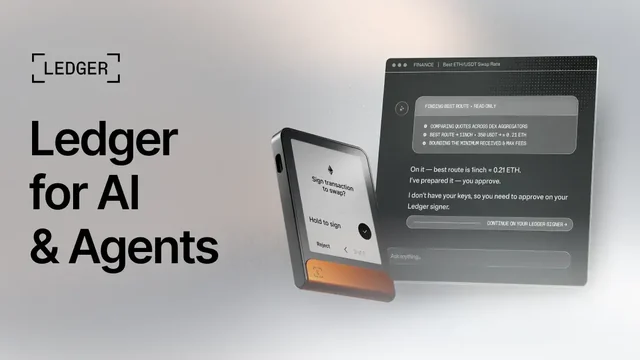
Ledger Agent Intent is the approval queue Ledger introduced as a beta on 15 October. An AI agent prepares a transaction as an intent, and the owner approves or rejects it on a Ledger signer, so the agent never holds the wallet's keys. In a follow-up post Ledger said the beta is available on all compatible Ledger signers.
Token approvals on swaps
When Agent Intent launched, the swap side was still being built out. On Ethereum, swapping a token usually starts with a separate approval that lets the swap contract spend that token, so support for that step lets an agent prepare a fuller swap for the owner to sign. Ledger's post does not explain how approvals appear in the queue.
Ledger's help centre guide to swap intents says swaps are carried out by a third-party provider selected by the agent, not by Ledger. Amounts and rates shown are indicative and can change before the owner confirms, so Ledger tells users to check the amounts on the device and read the provider's terms. It adds that Transaction Check, where available, does not guarantee that a transaction is safe.
Adding a first agent
Ledger's help centre setup guide, last updated in October before this release, says setup takes about five minutes. The recommended route is to start from the agent with a ready-made prompt that installs Ledger's wallet-cli skill and returns an enrolment link. The owner connects the Ledger device, compares the Agent ID on the device screen character by character with the one the agent posted, and then lets the agent see account balances on a read-only basis.
After setup, the app offers a ready-made prompt for a first proposal, such as asking the agent to analyse the portfolio and suggest transactions. Setup needs Chrome, Edge or Brave on a computer or Android phone; it does not work on iPhone or iPad. Version 0.4.0 improves this first-agent flow, so some screens may now differ from the guide.
Our take
Swaps make an agent queue far more useful, but token approvals are also where many wallet losses begin. With 0.4.0, check the token, the spender and the approved amount on the signer screen as carefully as the swap itself, and reject anything that does not match what the agent described.
LedgerWelcome offer
Up to $20 in Bitcoin with your Ledger
Shop through this partner link to get up to $20 in Bitcoin with your Ledger.
Affiliate link. We may earn a commission, at no extra cost to you.
Conditions
No code needed. The guide describes a post-purchase voucher; confirm eligibility and the current offer at checkout.
The partner link has no expiry. Campaign dates, benefits and eligibility are separate and may change. Check the provider’s current terms before signing up.