At a glance
- What changed
- Paid sessions discontinued.
- Who it affects
- Existing session purchasers.
- When
- 180 days from purchase.
Trezor partner offer and conditions ↓
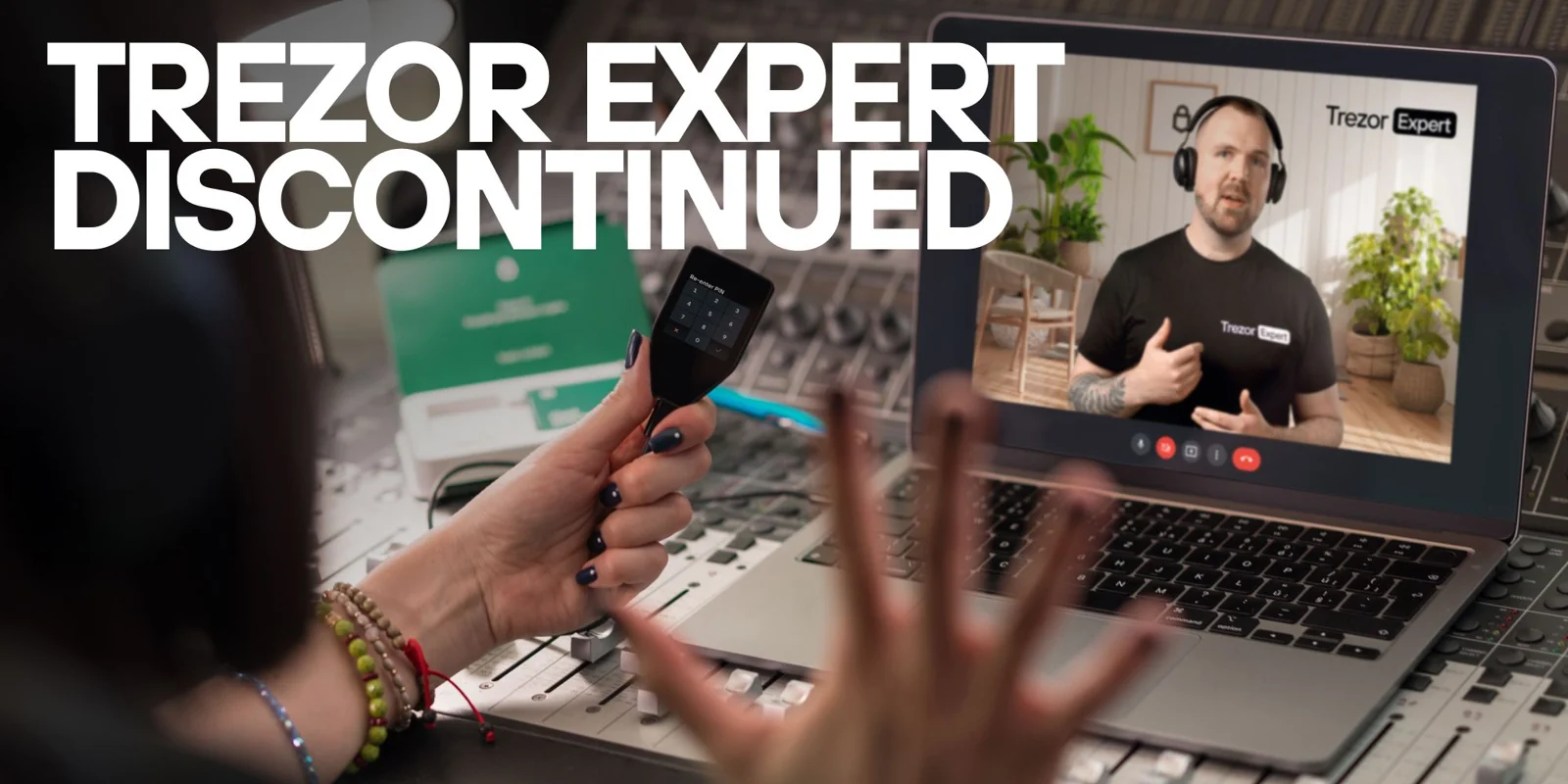
Trezor stops selling its paid Expert sessions
Trezor discontinued its paid one-to-one onboarding and consultation sessions. Already-booked appointments are to proceed. Customers who purchased but have not booked can use their original confirmation link, subject to a 180-day booking deadline from purchase. Trezor attributes the decision to demand and operating sustainability, rather than a device-security problem. Its notice directs missing-booking enquiries to official support.
[1]Self-service setup remains a separate route
Trezor’s Safe 3 setup guide illustrates what its self-service documentation covers: installing Suite, connecting and checking the device, installing firmware, creating or recovering a wallet and setting a PIN. The guide identifies the equipment needed and distinguishes supported mobile and desktop setup paths.
That documentation is model-specific. A person using a different device should choose that device’s guide, rather than assume the buttons, connection method or screens are identical. The guide also includes a subsequent backup check. These are examples of tasks covered by official written instructions; they do not recreate a personalised consultation or establish that every question previously handled in a paid session has a single standard answer.
[2]Work out which booking situation applies
Imagine three customers reading the announcement. Ella has a confirmed appointment in her calendar. Ben has an unused purchase confirmation. Noor was considering buying a session but never completed an order. Each should begin with the record they actually have.
Ella’s useful record is the appointment confirmation, including the date, time zone and meeting details. Ben needs the purchase date and the original booking instructions. Noor needs an available support or learning route now, rather than a booking link intended for previous purchasers. This is an illustrative sorting exercise, not an additional promise about refunds, rescheduling or availability.
For an unused purchase, calculate the elapsed time from the actual purchase record. If 150 days have passed, a 180-day window has 30 days remaining as simple arithmetic. Do not substitute the date of the discontinuation article for the purchase date. The example does not resolve the exact treatment of a boundary date or a disputed order; those details should be taken to official support with the order reference.
Prepare a support request that can be answered
A clear request can state the purchased service, order reference, purchase date and the specific problem: for example, the confirmation cannot be found or the booking page does not accept the order. That is enough to make the request concrete without including wallet backup words or private account secrets.
It also helps to separate the administrative issue from the learning need. “I cannot book my paid session” is a different request from “I do not understand how to check a receiving address.” Putting both into a long, unfocused message can slow down the response. A concise description lets the support team identify whether the next step concerns an order or a product task.
If a customer already has a scheduled session, preparing two or three precise questions may make the remaining appointment more useful. For example, write down the screen or step that is confusing and what the person expected to happen. That creates a starting point for explanation without asking the adviser to reconstruct the entire setup history.
Replace the appointment with a learning plan where needed
For someone without a booking, our suggested approach is to learn one operation at a time. Begin with the official guide for the exact device and identify the step currently being attempted. Keep a note of what has been completed, what remains unclear and which instruction answers the question. This is more manageable than trying to learn every wallet feature in one sitting.
A useful personal milestone is being able to describe the purpose of each step in ordinary language. The person should understand which action sets up the device, which creates access to a wallet and which checks information before a transfer. If a step is unclear, pause there and seek the relevant explanation. The end of a paid service changes the available support format; it does not make it necessary to rush an unfamiliar setup or accept help from whoever first offers a private session online.
Check your Expert session status
Choose whether your session is already scheduled.
| Case | What it means |
|---|---|
| Appointment already booked | Keep the appointment Trezor says booked sessions will be delivered. |
| Purchased but unscheduled | Check the purchase date Book within 180 days using the original confirmation. |
Based on the official announcement; availability may change. [1]
- Booked sessions proceed.
- Unused orders retain deadline.
- Use original booking link.
Official sources & further reading
Independently written from the primary sources below. Checked on 26 September 2026.
- An update on Trezor Expert Onboarding and Consultation Sessions ↗Announcement · 24 August 2026
- Get started with Trezor Safe 3 ↗Documentation
Open-source hardware wallets
No public discount code is attached. Any store promotion has its own terms.
Permanent partner link. Campaign dates and benefits are separate.
We may earn a commission, at no extra cost to you. Account and country conditions apply.