From the archive. This story describes the announcement at its original publication date. Product availability, pricing and terms may have changed.
At a glance
- What changed
- Encrypted label sync.
- Who it affects
- Trezor Safe devices.
- When
- June 30 announcement.
Trezor partner offer and conditions ↓
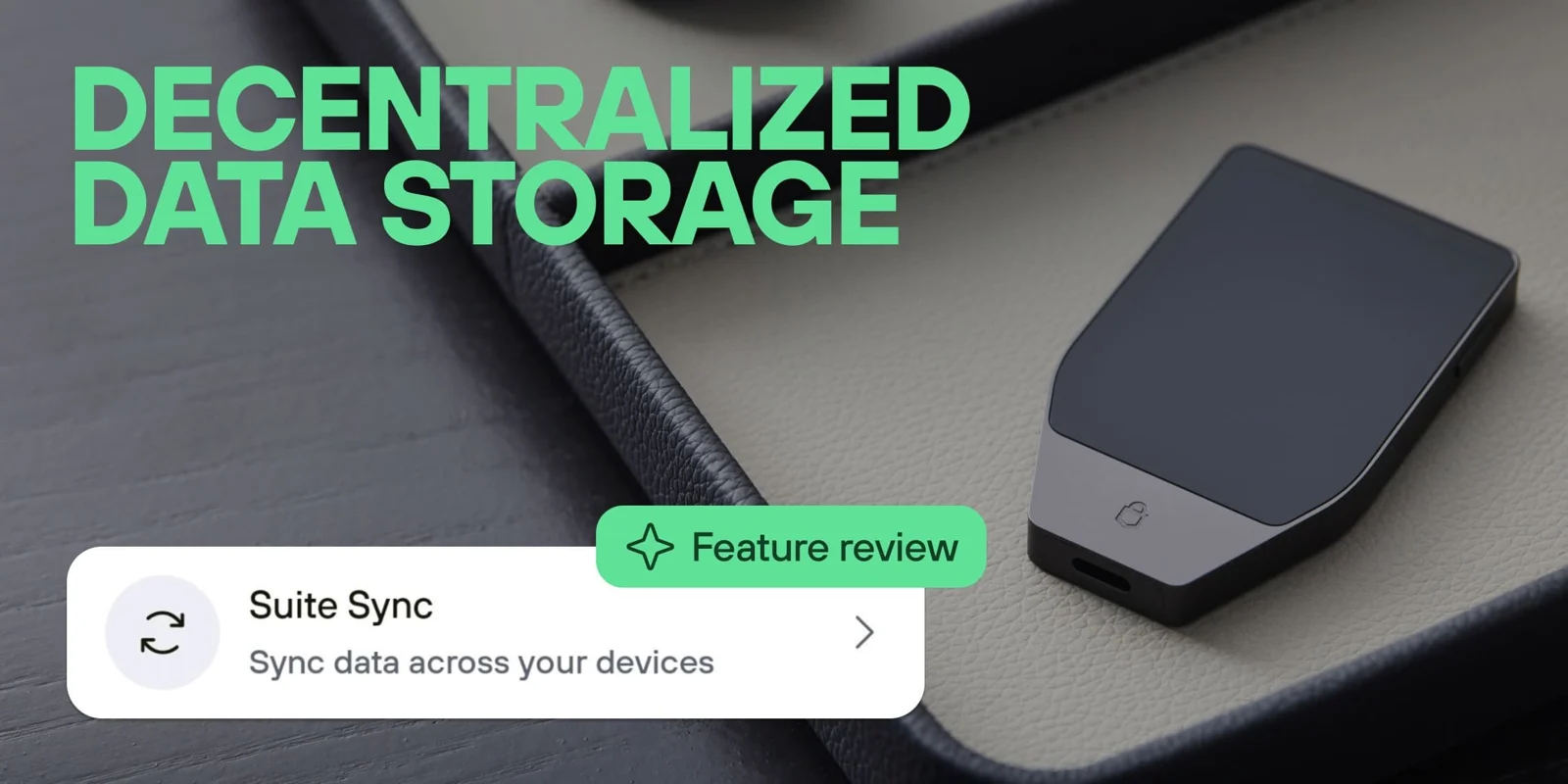
Trezor introduces encrypted label syncing
Trezor introduced Suite Sync to carry wallet labels between devices without requiring a Google Drive or Dropbox account. The company says labels are encrypted locally with keys derived from the wallet backup, with encrypted storage on Trezor’s server by default and a self-hosting option. The feature concerns descriptive information such as labels and notes; it is not a transfer of the assets being labelled.
[1]The support guide narrows the compatibility claim
Trezor’s guide identifies Safe 3, Safe 5 and Safe 7 as supported devices. Model One and Model T retain the legacy label format. On desktop, Suite Sync is selected in Settings, Application, Labeling; mobile has its own Suite Sync control. Enabling it requires confirmation on the hardware device.
The guide also describes migration from legacy labels and the option to specify a custom server. One limit is especially important for larger histories: synced data is capped at 1 MB, described as approximately 2,500 edits per Safe device. Data beyond that remains local. “Edits” should not be silently rewritten as “2,500 accounts” or a guaranteed number of final labels. Repeated changes can make an edit-based allowance different from the number of items visible at one moment.
[2]An illustrative migration with a useful check
Imagine that Jo has labelled several years of transactions on a laptop and wants the same explanations on a phone. Before changing anything, Jo chooses a small set of recognisable examples: an account name, an older payment note and a recently edited address label. The purpose is to have a clear comparison after the migration.
Once the normal migration process reports completion, Jo can inspect those examples on both devices. Are the words the same? Is the recent correction present? Is the note attached to the expected item? This checks something meaningful about the data the person actually uses, rather than relying only on the fact that a setting is switched on.
The example is a proposed verification routine, not an assertion that Suite Sync loses those fields. It also avoids using a real name, invoice number or other sensitive detail in a support screenshot. If a discrepancy needs reporting, a harmless test label can often demonstrate the problem more clearly than a page of personal financial history.
Plan labels for the questions you ask later
A label is most useful when it answers a future question. “Transfer” may be less informative than a short, consistent description of purpose. For an invented household example, labels such as “rent reserve” and “travel budget” distinguish two accounts that otherwise have similar balances. A payment note could identify its purpose without becoming a second, unstructured address book.
Consistency matters more than length. If one device uses “trip,” another uses “holiday” and a third uses an unexplained abbreviation, syncing the words does not resolve the naming confusion. A person can agree on a simple convention before migrating a large collection. That makes search and review easier regardless of which screen is being used.
The storage limit also makes it sensible to think about how much information belongs in a wallet label. A concise note that points to a separate personal record may be easier to manage than copying an entire invoice into every transaction description. That is an editorial organisation suggestion, not an additional product restriction.
Choose who operates the sync service deliberately
Our reading is that the default and self-hosted options answer different needs. A reader who wants a straightforward experience may prefer the supplied service. Someone considering their own server should first decide who will maintain it, how availability will be checked and how another device will be configured. Choosing a custom address is only the visible beginning of that responsibility.
A useful question is what happens when the usual computer or phone is unavailable. The user should know which information they expect to reappear and which local records they must retain separately. That turns a broad promise of synchronisation into a concrete recovery expectation. Suite Sync can reduce the effort of keeping descriptive wallet data consistent, but its value is easiest to judge against the actual labels, devices and limits in the reader’s setup.
Match Suite Sync to your device
Select your Trezor model family to review the migration path.
| Case | What it means |
|---|---|
| Safe-family device | Check migration and size Confirm important labels sync within the documented limit. |
| Model One or Model T | Keep legacy labeling The current guide lists these models under the legacy format. |
Based on the official announcement; availability may change. [1] [2]
- Safe 3, 5 and 7.
- Optional custom server.
- 1 MB sync limit.
Official sources & further reading
Independently written from the primary sources below. Checked on 26 September 2026.
- Permissionless storage with Suite Sync ↗Announcement · 30 June 2026
- Suite Sync setup and limitations ↗Documentation
Open-source hardware wallets
No public discount code is attached. Any store promotion has its own terms.
Permanent partner link. Campaign dates and benefits are separate.
We may earn a commission, at no extra cost to you. Account and country conditions apply.