From the archive. This story describes the announcement at its original publication date. Product availability, pricing and terms may have changed.
At a glance
- What changed
- Lemon Chain integration.
- Who it affects
- Software and hardware users.
- When
- App update required.
SafePal partner offer and conditions ↓
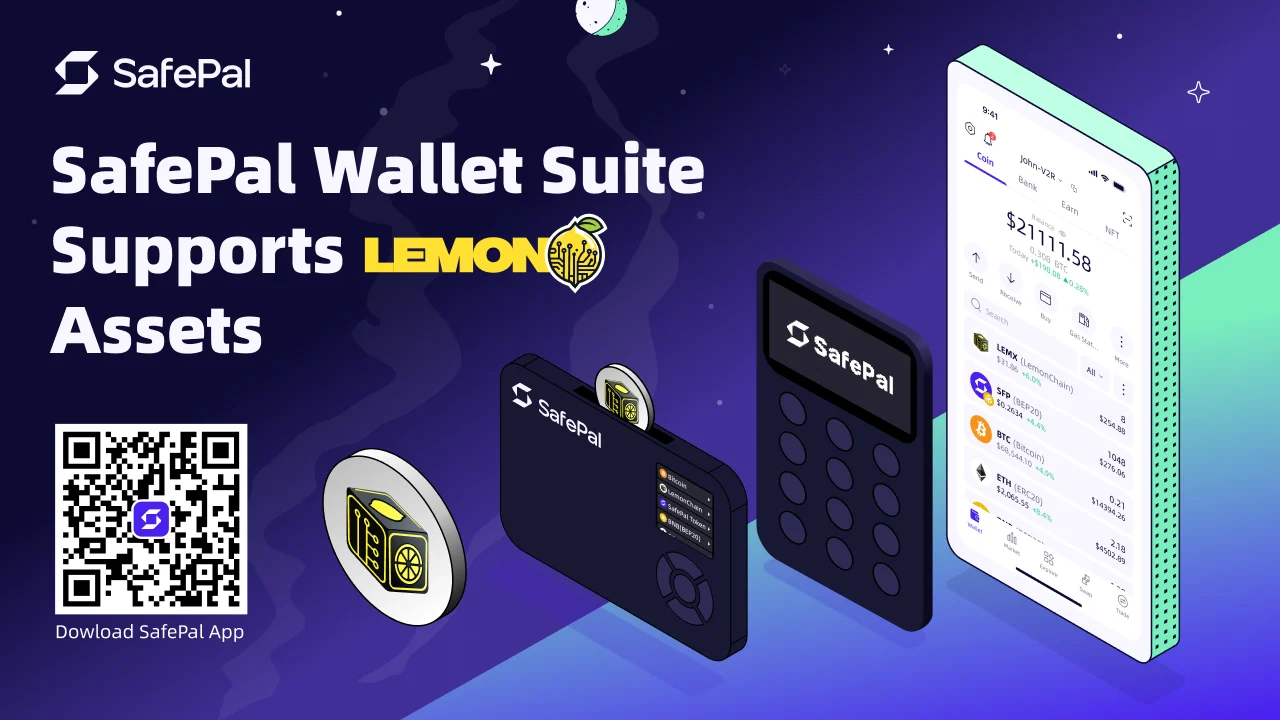
SafePal introduces Lemon Chain support
SafePal added Lemon Chain to its software and hardware wallets, allowing users to store, send and receive native assets such as LEMX after the app update. The announcement describes the network as Ethereum-compatible. It establishes support for these wallet tasks; it does not establish that every application or service associated with the network is available through the same route.
[1]How SafePal’s S1 guide adds the asset
SafePal’s official LEMX guide starts with an S1 already paired with the SafePal app. In the app’s Coin Management screen, the user searches for LEMX on Lemon Chain and adds it. The guide then calls for scanning between the app and device to synchronise the asset information.
For receiving, the S1’s Asset Management screen provides a Receive action and an address display after PIN entry. The guide also explains an important limitation of the device display: the offline S1 does not automatically detect changing on-chain balances. The paired app supplies the balance view. An asset being present in the device’s management list and a current balance being visible in the app are therefore related but different observations.
[2]A worked example of adding before receiving
Imagine that Mina expects a payment in LEMX. Her first question is whether the selected wallet and network match the intended payment. She identifies the paired account, adds the appropriate entry through the documented process and checks the receiving information before passing it to the sender.
The sender and Mina can agree on the asset and network in the same message as the destination. That avoids an incomplete instruction consisting only of an address or only of a token ticker. If either side sees a different network name in its own interface, the mismatch should be resolved before proceeding. The example does not assume that similar-looking addresses identify the same route across all networks.
Afterward, Mina can compare the sender’s transaction reference with the receiving account’s activity. If a balance is not immediately visible, that is an observation to investigate with the exact network, account and transaction details. Repeating the payment merely because one screen has not refreshed would create another transaction to reconcile, rather than explain the first one.
Distinguish the asset list from the asset balance
A useful analogy is the difference between adding a currency column to a personal spreadsheet and entering a payment into that column. The column makes the category available; it does not itself create money. Likewise, selecting an asset for display should not be interpreted as evidence that a deposit has arrived.
For an illustrative check, a user can write down three observations separately: the asset entry is available, the expected address is displayed, and a particular incoming transaction is shown. Each observation answers a different question. This is especially helpful when someone is setting up a network for the first time and every screen is unfamiliar.
The analogy is an explanation of the review process, not a technical description of SafePal’s storage. Its purpose is to prevent a common reasoning error: treating a successful setup step as the successful completion of the financial action that will use that setup.
Decide what the integration needs to do for you
For a person who only wants to hold and transfer an asset, the practical evaluation can remain narrow. They need to understand the receiving route, the signing process and where to inspect the result. Someone who plans to use an application has additional questions about that application’s own support and requested actions. A network announcement cannot answer all of those questions on the application’s behalf.
Our suggested approach is to document one complete task in ordinary language. For example: “I want to receive this asset on this network into this account, and I will check this transaction record afterward.” That statement exposes any missing piece before a transfer is attempted.
The useful change in this release is that Lemon Chain becomes another supported wallet route. The quality of the experience depends on matching the correct route and understanding the roles of the app and the offline device. A reader who can explain those roles is better prepared to diagnose a missing display entry or an unresolved transfer without confusing either with the other.
Prepare your Lemon Chain workflow
Select the part of the hardware setup you need.
- S1 owner
Pair and synchronize
Use SafePal’s S1 guide to add the Lemon Chain asset.
- Checking a balance
Use the companion app
The offline hardware does not automatically update balances.
Based on the official announcement; availability may change. [1]
- Native LEMX support.
- Paired S1 workflow.
- Balances appear in the app.
Official sources & further reading
Independently written from the primary sources below. Checked on 26 September 2026.
- SafePal Officially Supports Lemon Chain network ↗Announcement · 24 March 2026
- Add and manage LEMX with SafePal S1 ↗Documentation
Air-gapped self-custody with SafePal S1
The detailed review offers no hardware discount. Any in-app setup reward is separate from the device price.
Permanent partner link. Campaign dates and benefits are separate.
We may earn a commission, at no extra cost to you. Account and country conditions apply.