
SafePalPartner offer
Air-gapped self-custody with SafePal S1
SafePal referral code: getsafepal. Sign up with this code to get air-gapped self-custody with SafePal S1.
Affiliate link. We may earn a commission, at no extra cost to you.
At a glance
- What changed
- DApp transaction simulations inside the SafePal app so users can preview the outcome of swaps, signatures, staking and lending before they sign.
- Who it affects
- SafePal app users who connect to DApps for swaps, signatures, staking or lending.
- When
- Announced on 6 November 2026 at 08:02 UTC (09:02 in Amsterdam). Available after updating to the latest SafePal app.
What SafePal announced
SafePal posted on its official X account on 6 November 2026 at 08:02 UTC (09:02 in Amsterdam) that DApp transaction simulations are now available on the SafePal app for supported chains. The post's lead line is "See the outcome before you sign". SafePal asks users to update to the latest SafePal app and points them to its download centre at safepal.com/download.
A DApp is a decentralised application that asks your wallet to approve a transaction or a signature. Simulation means the wallet tries to show what that action would do to your balances before you confirm it, so you can spot an unexpected drain or a wrong token.
Which flows SafePal lists
SafePal names four categories that the simulation covers: swap, DApp signatures, staking and lending. The post does not break those down further. It also does not say which exact app version you need, only that you should update to the latest SafePal app.
The linked download page is SafePal's general download centre for mobile, browser and other clients. The announcement does not say whether the feature is limited to the mobile app, the browser extension, or both.
What the official video shows
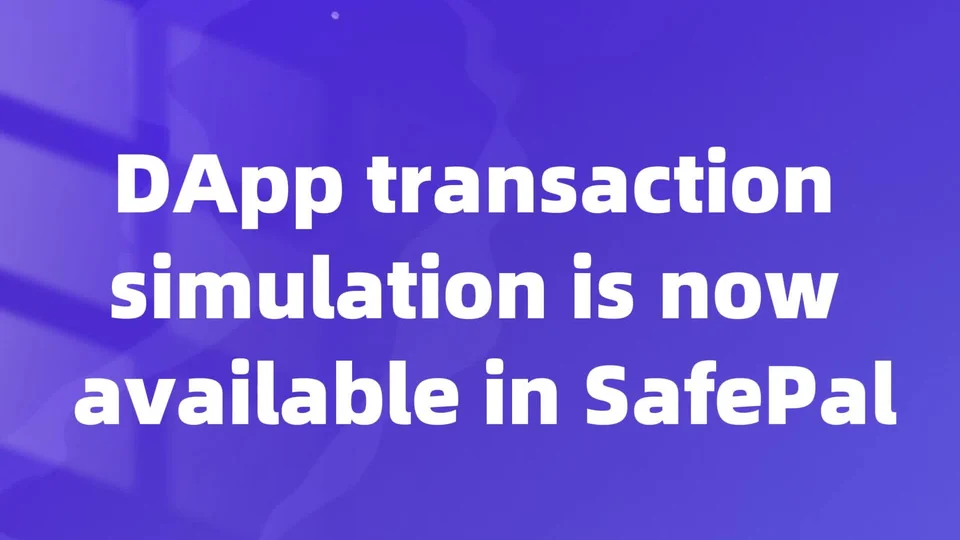
SafePal attached a short official video. An opening title card reads "DApp transaction simulation is now available in SafePal". A later frame shows a phone walking through a Morpho deposit of USDC, then a SafePal Sign Message sheet with a warning that the request is from a third-party app.
On that Sign Message sheet, a highlighted Balance Change Preview lists a drop in USDC on Arbitrum One and a matching rise in a gtusdcp balance on Arbitrum One, with a gas fee line and Cancel and Confirm buttons. The numbers and addresses in the demo are examples from SafePal's video, not a live instruction to send funds.
Another frame in the same video is headed "Supports major chains and DApps" above a grid of chain and DApp logos. The X post itself only says "supported chains" and does not publish a written allowlist, so treat the grid as demo artwork rather than a complete support table.
What SafePal has not said
The post does not name the simulation engine, does not list every supported chain in text, and does not say what happens when a simulation fails or is unavailable. It also does not mention fees for the feature. Check the updated app for the live behaviour on your chain and DApp before you sign anything.
Our take
A balance-change preview is one of the few practical defences against a malicious or confusing DApp prompt, because you see the token moves before your keys approve them. Still read the From field and the asset list carefully; a simulation is only as good as the data the wallet can fetch. Update SafePal only through the official app stores or SafePal's own download centre.
SafePalPartner offer
Air-gapped self-custody with SafePal S1
SafePal referral code: getsafepal. Sign up with this code to get air-gapped self-custody with SafePal S1.
Affiliate link. We may earn a commission, at no extra cost to you.
Conditions
The detailed review offers no hardware discount. Any in-app setup reward is separate from the device price.
The code and partner link have no expiry. Campaign dates, benefits and eligibility are separate and may change. Check the provider’s current terms before signing up.
 Trezor