
RedotPayWelcome offer
$5 welcome reward
RedotPay referral code: j9ems. Sign up with this code to get a $5 welcome reward.
Affiliate link. We may earn a commission, at no extra cost to you.
At a glance
- What changed
- Buying the stablecoins USDT and USDC with a debit or credit card inside the RedotPay app, with a saved card and, RedotPay says, lower fees than before.
- Who it affects
- RedotPay app users who want to add stablecoins to their account with a bank card instead of sending crypto from another wallet or exchange.
- When
- Announced on RedotPay's official X account on 9 November 2026 at 10:56 UTC (11:56 in Amsterdam); no separate rollout date was given.
Add Exchange.news as a preferred source on Google
What RedotPay announced
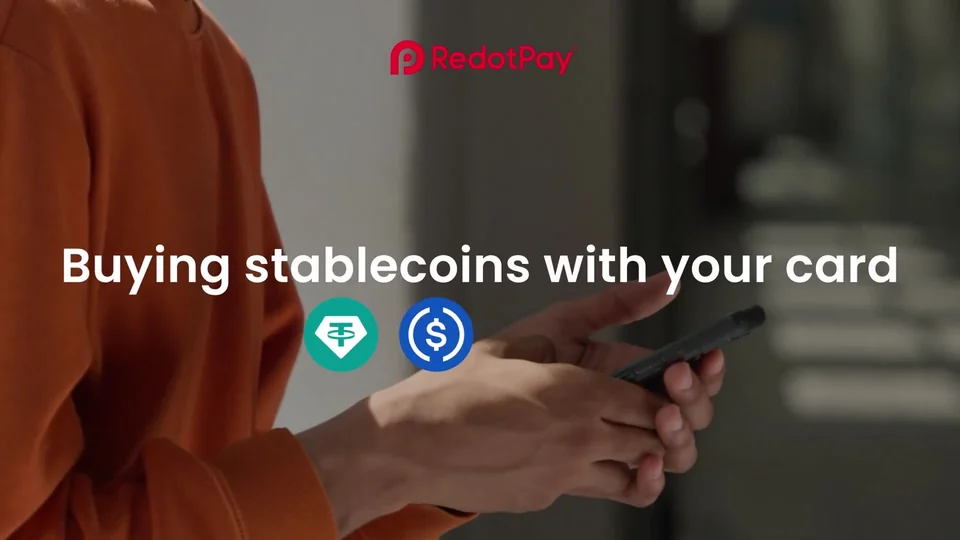
RedotPay, the crypto card and payments app, said on its official X account at 10:56 UTC on Monday 9 November 2026 (11:56 in Amsterdam) that users can buy USDT and USDC with their card in just a few taps. USDT (Tether) and USDC (issued by Circle) are stablecoins designed to track the US dollar. RedotPay compares the purchase to paying in an online shop, says it happens inside the RedotPay app without switching to other apps, and says fees are lower than before. A card is saved once and then used again with a tap.
The post does not give the previous fee, the new fee or the date the change took effect, so Exchange.news cannot say how much cheaper a purchase has become. The 34-second video attached to the post walks through the flow, but RedotPay labels the exchange rates in it as fictional, so the amounts and fee shown in the demo are not real prices.
How the purchase works
In the video, the user opens the app, taps More and chooses Buy Crypto, picks USDT or USDC and enters an amount, then selects Credit/Debit Card as the payment method. The same screen also lists AstroPay and Skrill. On the first purchase the user adds the card details and confirms, and the demo shows a bank verification screen with a one-time code before the purchase completes. After that, the saved card can be picked again for the next purchase.
RedotPay's help centre guide, dated 24 July 2026, describes the same order with slightly different button names: tap Buy Coins, choose the crypto, enter the amount, select Credit/Debit Card, review the payment details, confirm, then add the card and pay. The in-app wording may therefore differ between app versions.
Limits RedotPay lists
The help centre adds several conditions that the X post leaves out. A RedotPay card itself cannot be used to buy crypto, so the payment has to come from a card issued by another bank. That bank may ask the user to confirm the payment on its side before it goes through. Some assets are not offered in certain countries; RedotPay's own example is that USDT is not available in the UK.
The post promises no waiting, but the help centre guide says crypto bought this way usually arrives within 0.5 to 2 hours. RedotPay has not said whether the November update shortened that window, so the help centre figure is the only timing it has published.
Our take
Buying stablecoins with a bank card is usually one of the more expensive ways to fund a crypto account, so lower fees are welcome, but RedotPay has not put a number on them. Before confirming, check the fee line and the amount of USDT or USDC you will receive on the review screen, and compare it with what your own bank charges for card payments to crypto services. Card purchases are often treated differently from ordinary shopping by banks, and some may block them or add their own fees. If you plan to move the stablecoins on to a self-custody wallet afterwards, Base app and Phantom both hold USDC; check which networks RedotPay offers for withdrawals and match them on the receiving side before you send anything.

BaseDiscount code
10% off eligible swap fees
Base referral code: 2ZTS468P. Sign up with this code to get 10% off eligible swap fees.
Affiliate link. We may earn a commission, at no extra cost to you.
Conditions
New wallets only; enter the code during onboarding. Same-chain swaps and regional eligibility rules apply.
The code and partner link have no expiry. Campaign dates, benefits and eligibility are separate and may change. Check the provider’s current terms before signing up.